Apps
Software built around how capacity actually changes through a day.
 Coming soon · free tools open now
Regulate
A capacity-aware app for adults diagnosed as neurodivergent later in life. It holds some structure when yours is thin, keeps a plain record of what your nervous system has been doing (capacity, sleep, medication, cycle and journal), and builds your own manual from it: what tends to happen in different circumstances, and how long it takes you to come back.
Regulate opens to new accounts soon. The capacity check and the free tools are open now, with no account needed. It works in the browser on a phone or a computer, and you can add it to your home screen like an app. The everyday record is free. Some extra features will be paid for later.
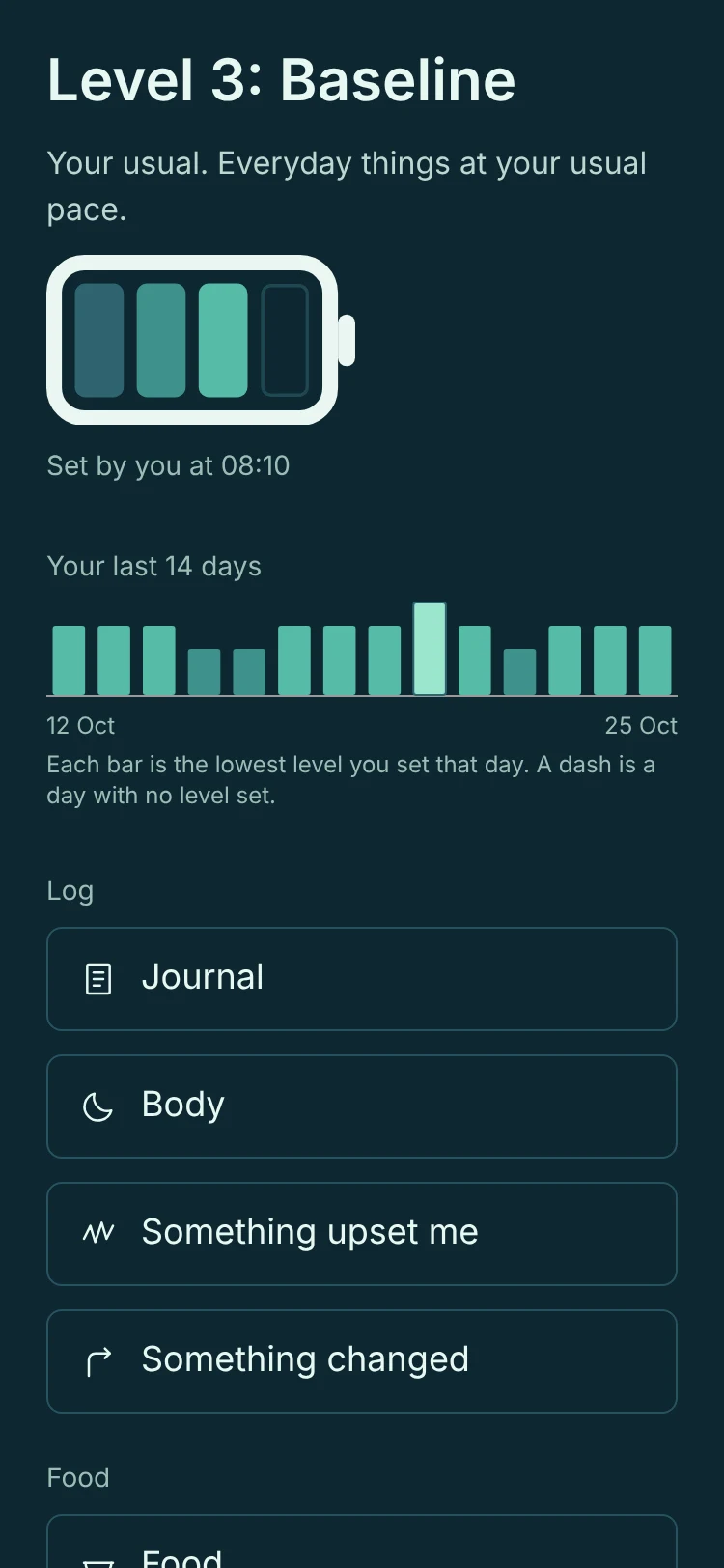
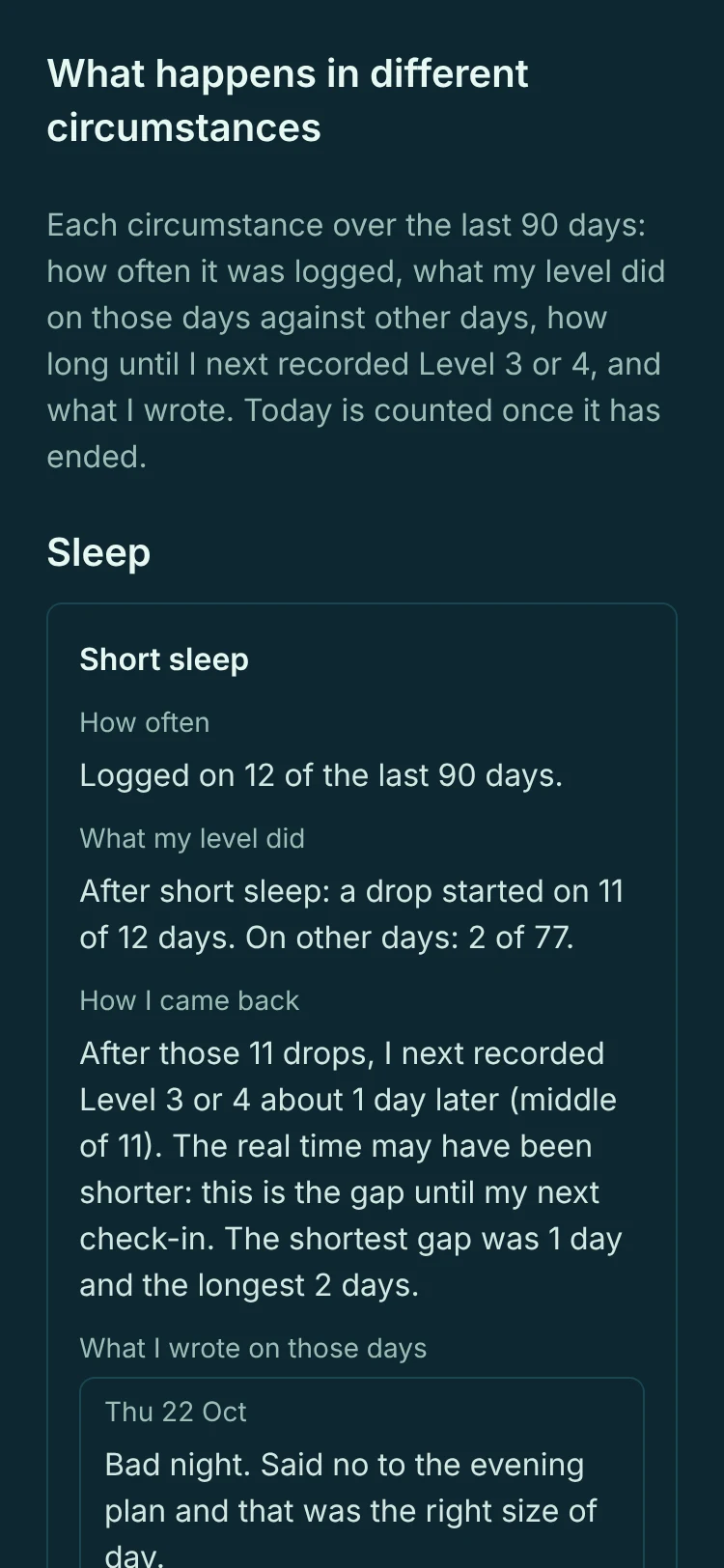
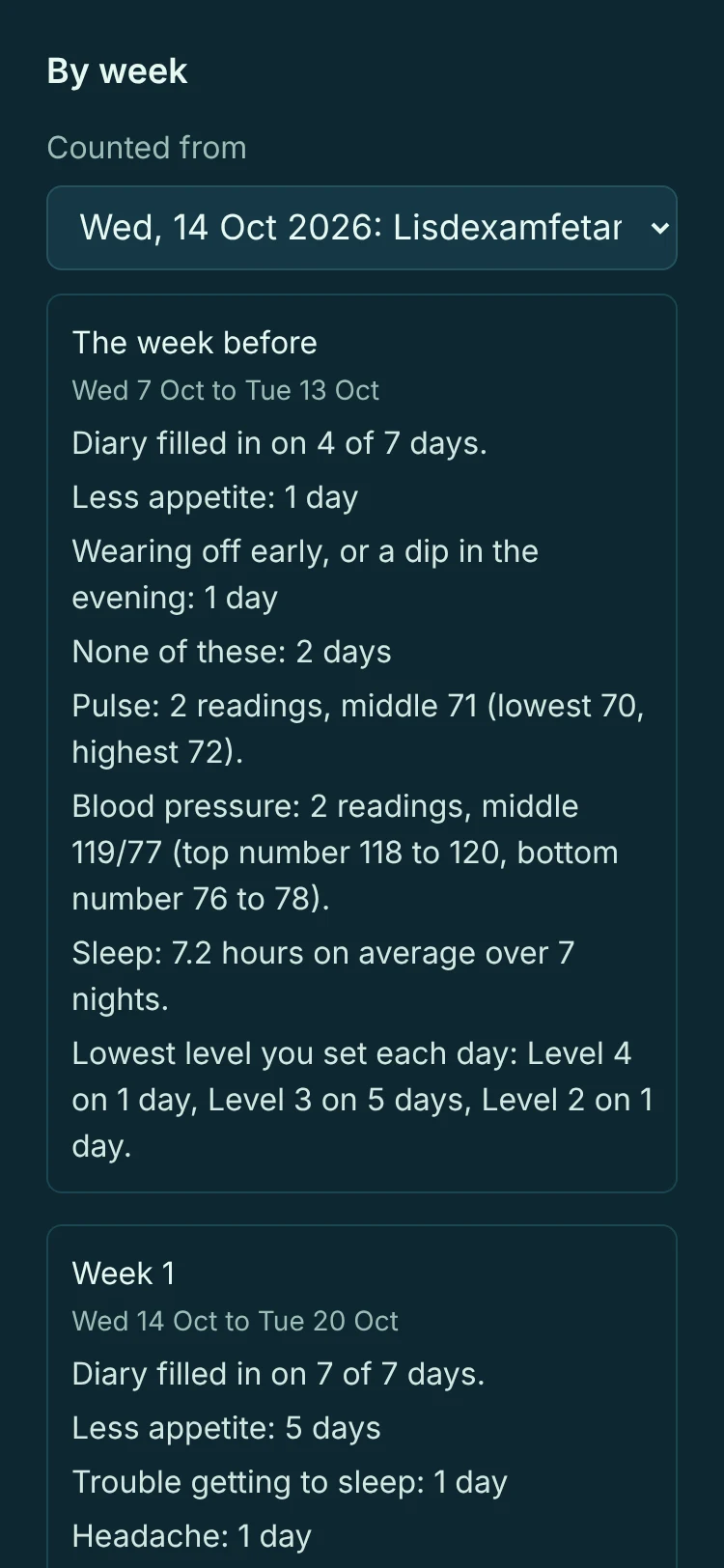
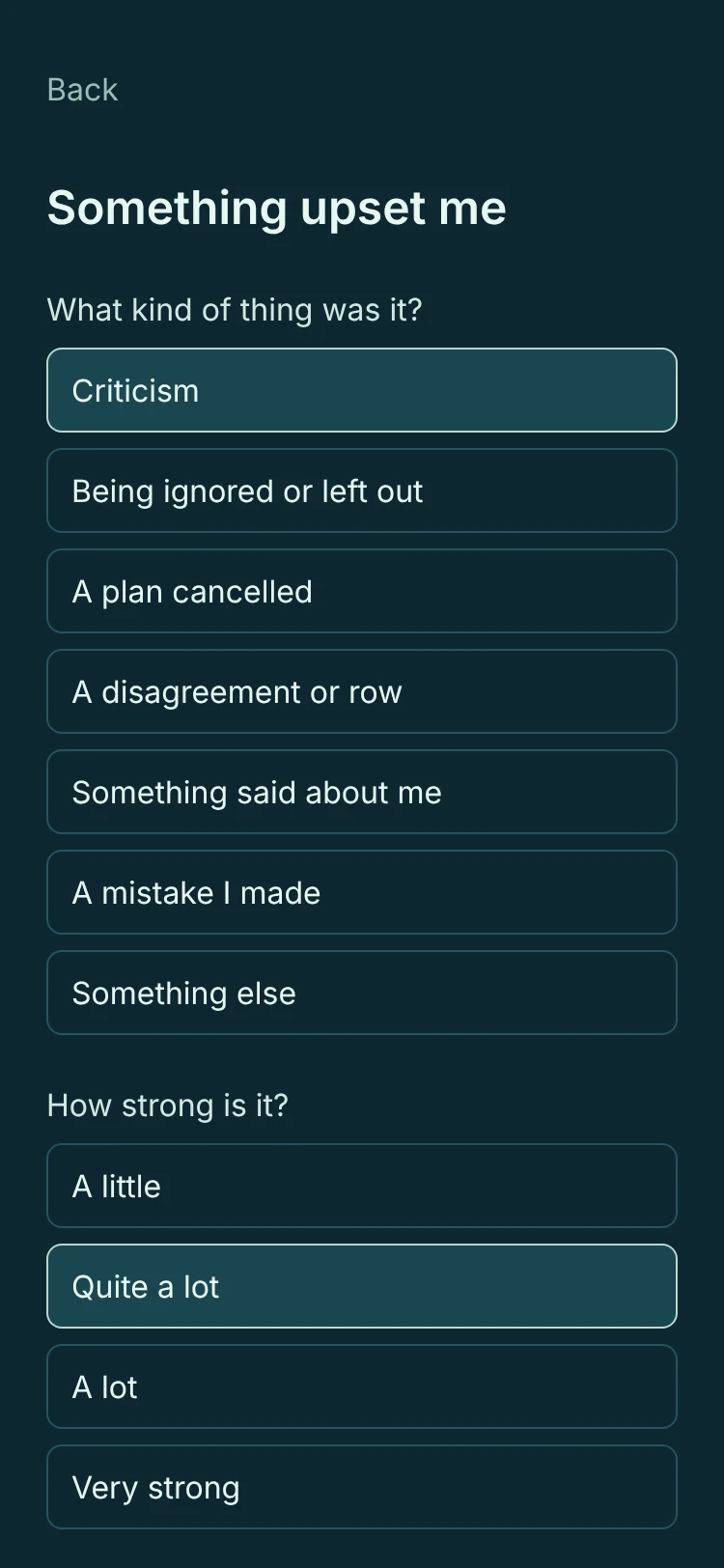
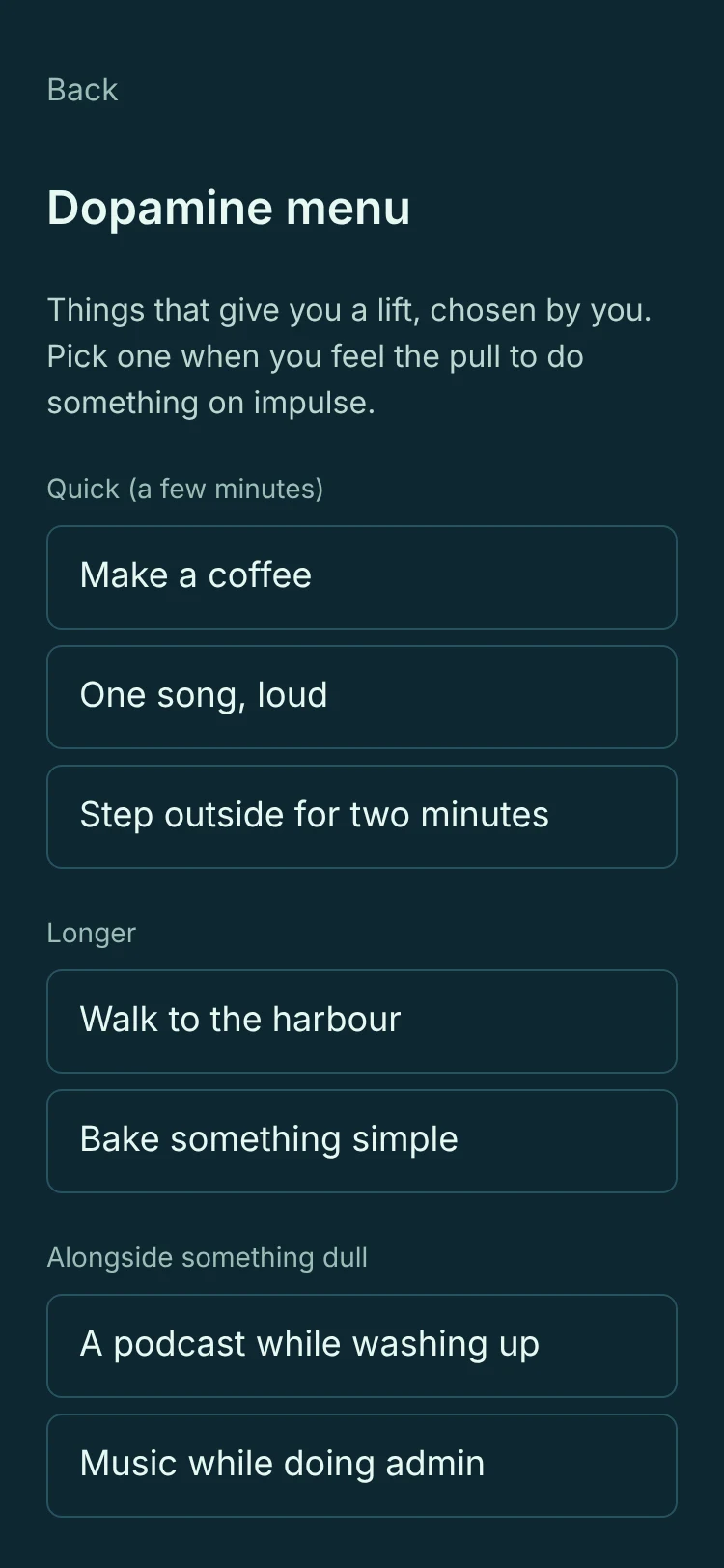
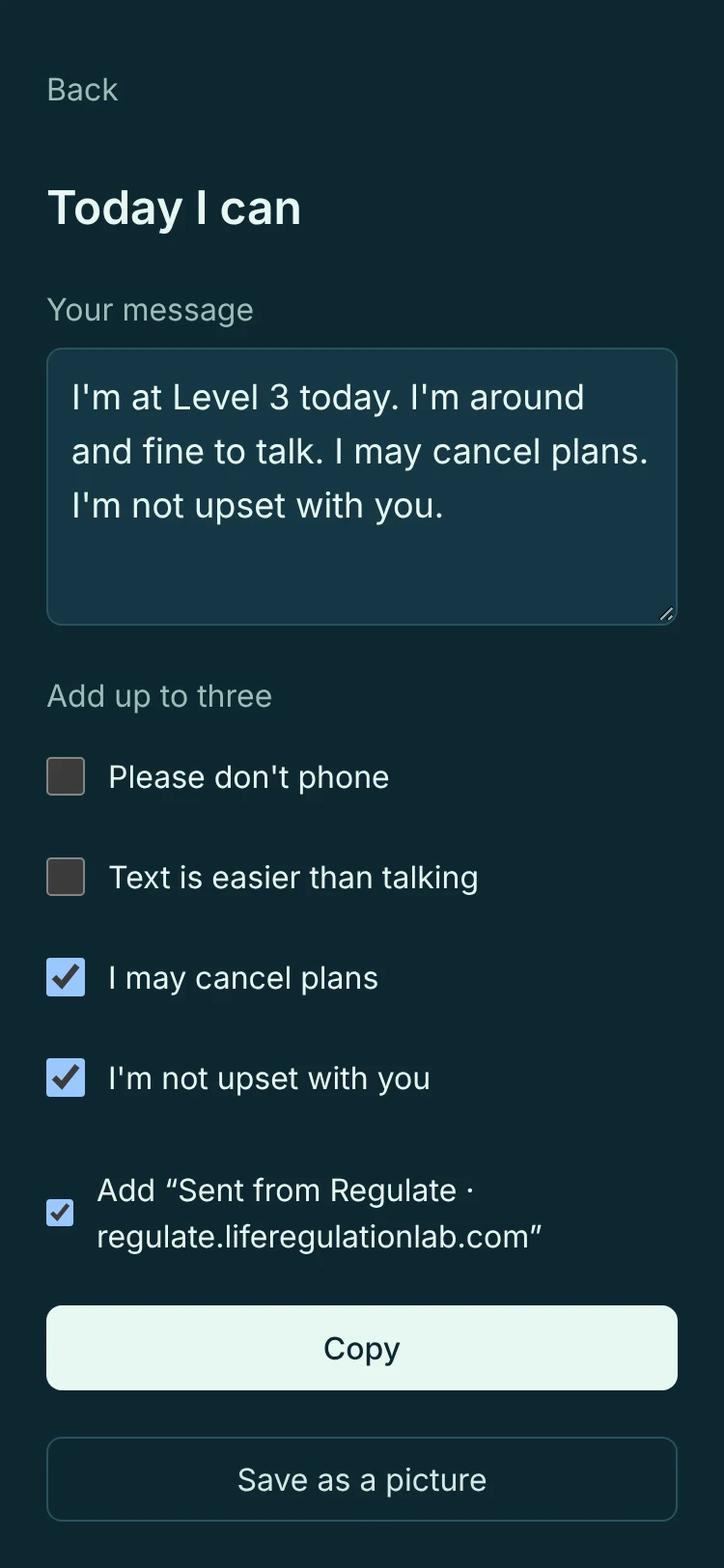
The screens show invented example data.
What it does
- Shows a capacity level from 1 to 4, with the reasons for it in plain words. You can override it.
- At lower levels the screen shows less. At level 1 there is one calm screen with one main action.
- An overwhelm screen that asks no questions.
- Quick logs for sleep, medication timing and breathing, and a journal you can type or speak into.
- Low-effort meal ideas from what you already have.
- A Today I can card, a How I work guide and a workplace summary, for the times when explaining is the hard part.
- A record of medication changes and, if you want it, cycle or perimenopause tracking kept alongside.
- A titration diary for a new medication or a dose change: effects each day, pulse and blood pressure, and the weeks before and after set side by side.
- Something upset me: a quick log of what happened and how strong it was, how often it comes up, and how long it took to ease.
- A dopamine menu: things that give you a lift, chosen by you, for when you feel the pull to do something on impulse.
- My manual: built from your own record, it shows what tends to happen in different circumstances and how long it takes you to come back.
- What came before: the patterns in your own record, with where each one comes from.
- An appointment pack and a plain-language report covering 7, 30 or 90 days.
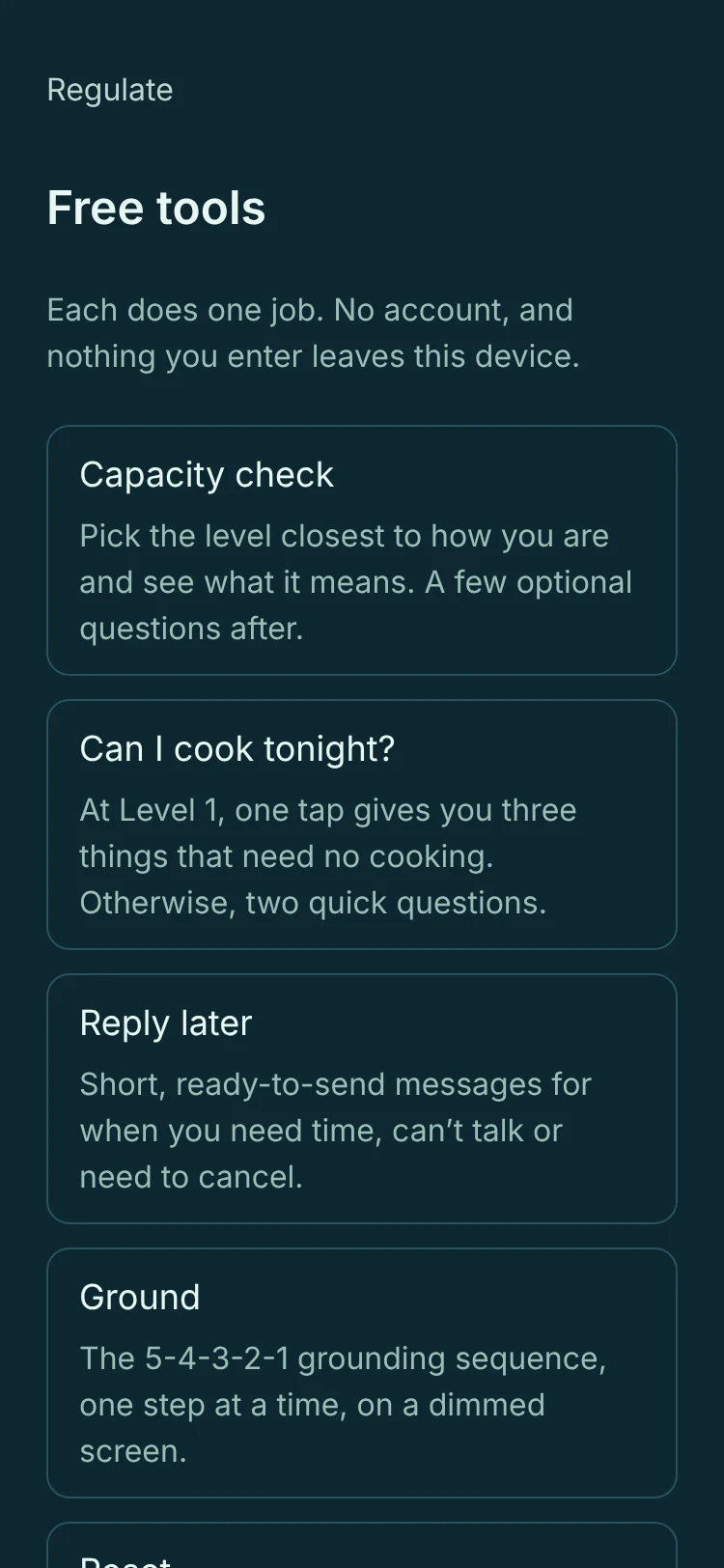
Free tools, no account needed
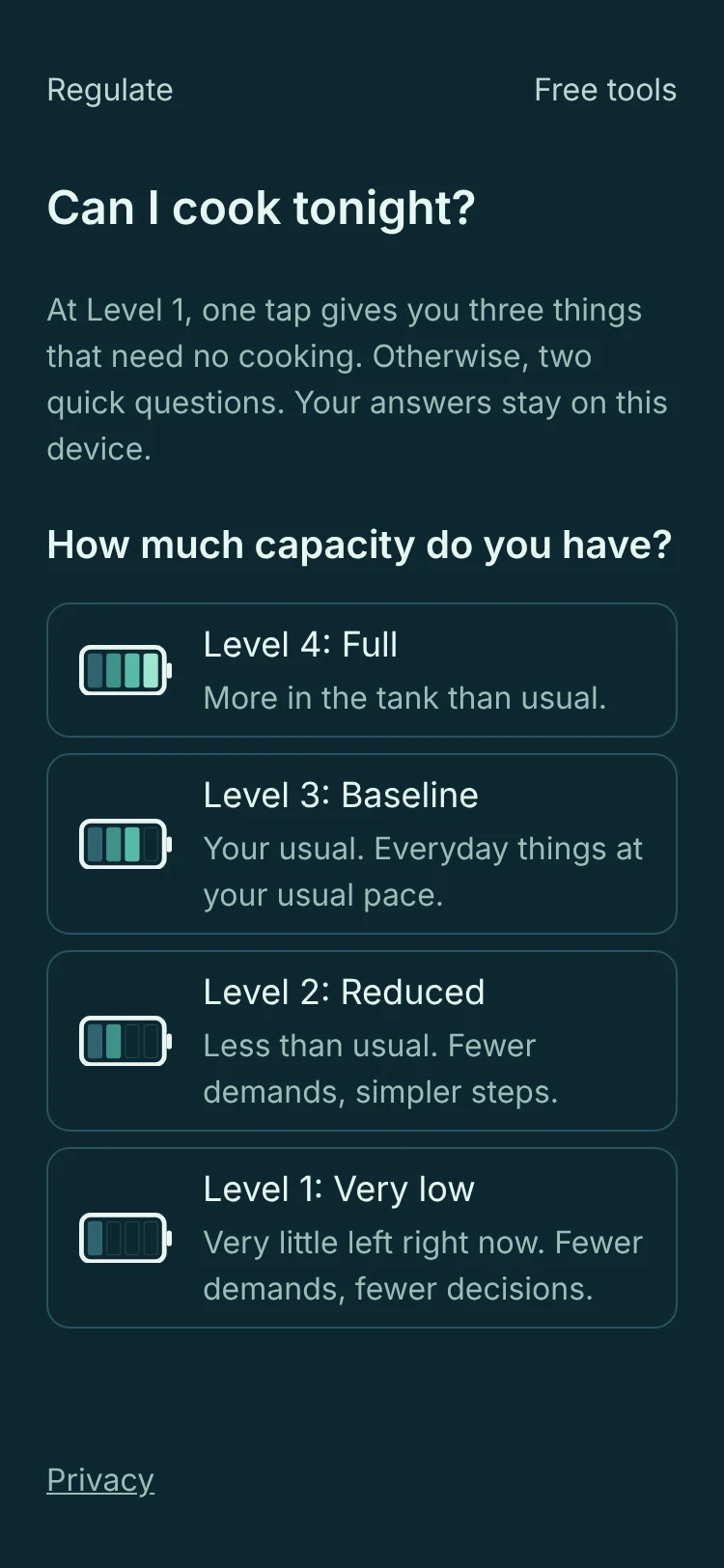
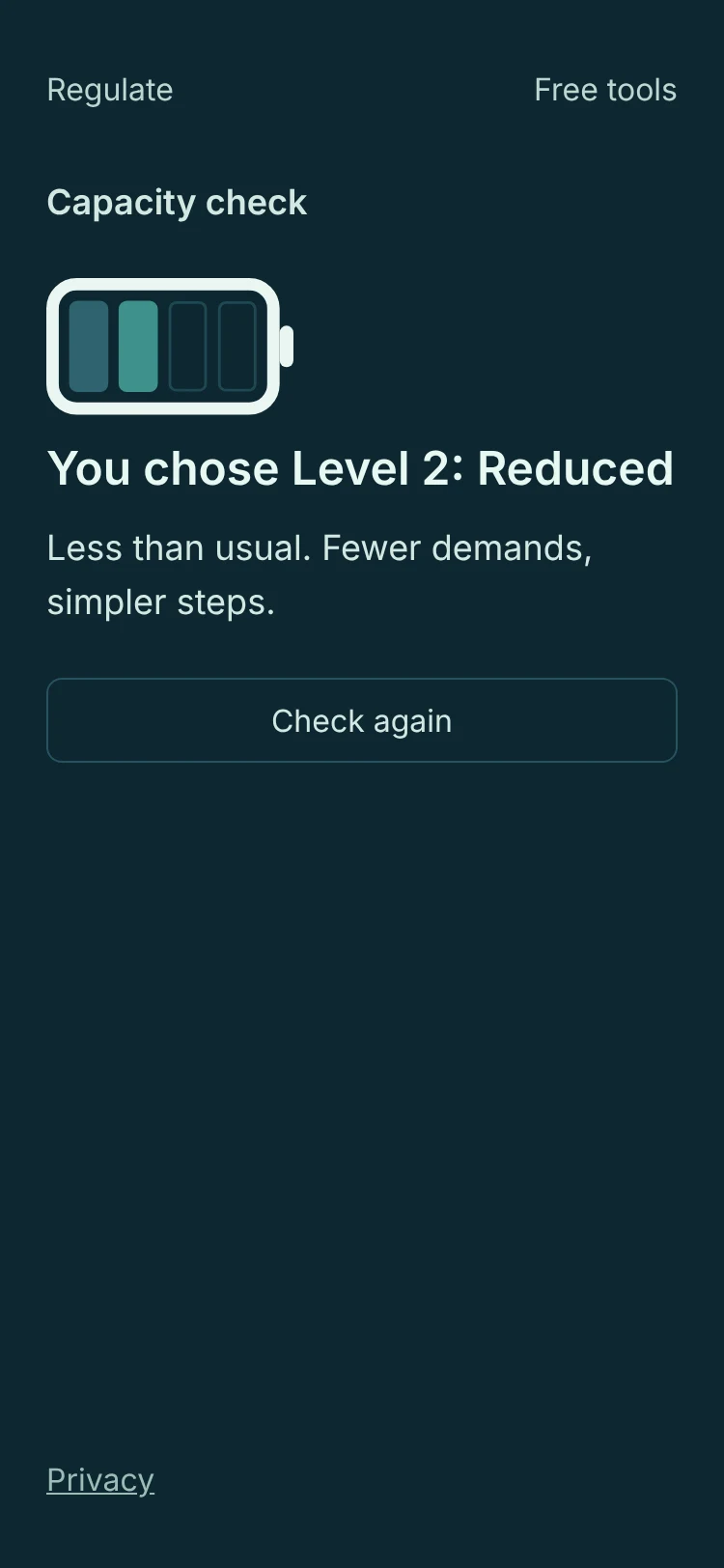
Four small tools that each do one job. Nothing you enter leaves your device: Capacity check, Can I cook tonight?, Reply later and Ground.
What it does not do
Regulate does not coach, nudge, reward or predict. There are no streaks, badges or urgent reminders. It does not diagnose or advise on treatment. It is a personal record, not a medical device.
Before it opens
Regulate is being finished and checked, including its privacy review, before it opens to new accounts. The capacity check and the free tools keep your answers on your device. If something reads wrong or gets in the way, say so: hello@liferegulationlab.com. Privacy details are at regulate.liferegulationlab.com/privacy.
More apps
The apps marked In testing are with a small group of testers through Apple's TestFlight, before they go into the App Store. The ones marked In development are still being built. How each app in testing handles your information is on the privacy page.
Pace and Mull share one Life Regulation Lab account. Dealt With and Whole Story each have their own.
Pace
In testing · Mac, iPhone, iPad and Apple Watch
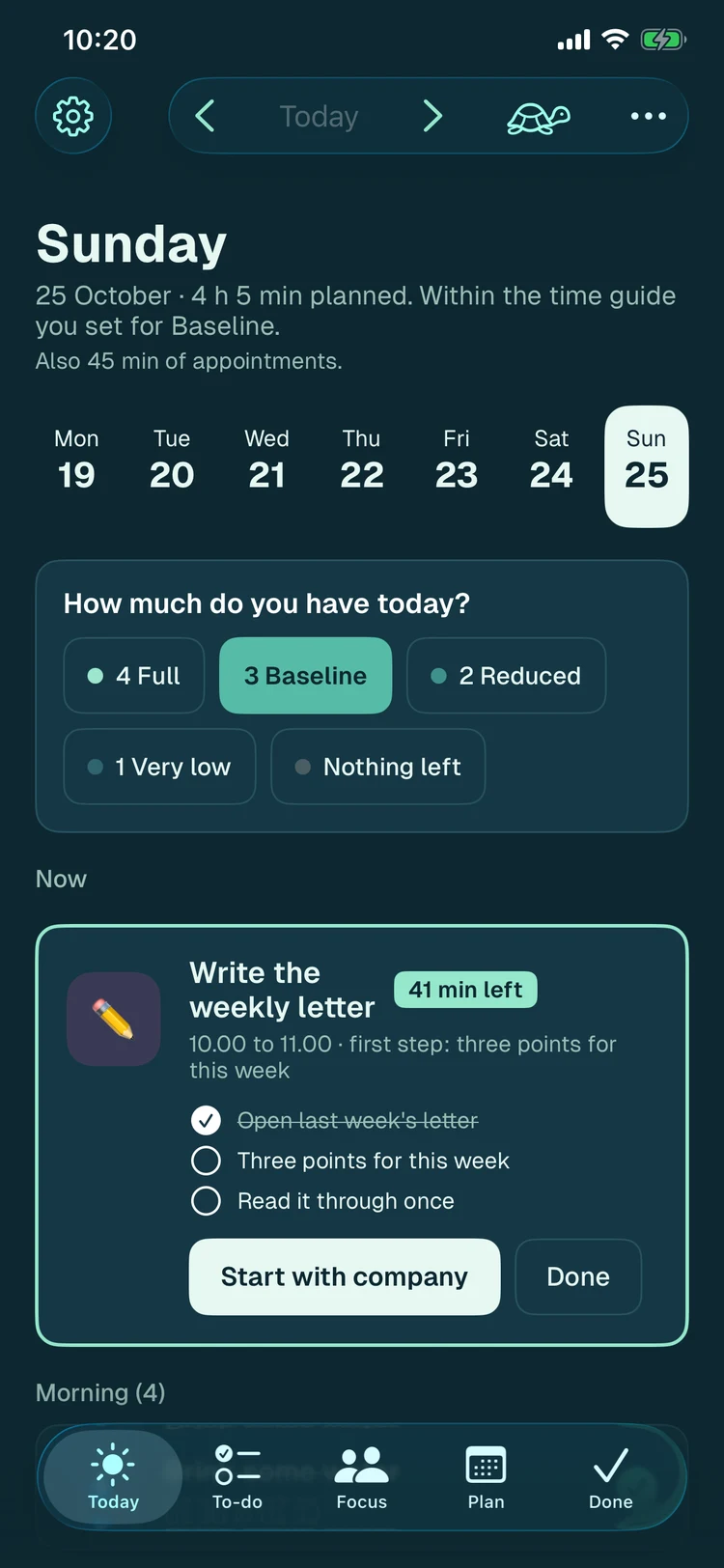
A visual day planner, planned to how much capacity you have today.
- Each morning you set your level. Activities that need more than you have today move to Not today.
- Warnings before each change, and the time left in the Mac menu bar.
- Running late moves the rest of the day. Fixed things stay where they are.
- A focus timer, and a task broken into small steps when starting is the hard part.
- Your calendars shown alongside, read on your device.
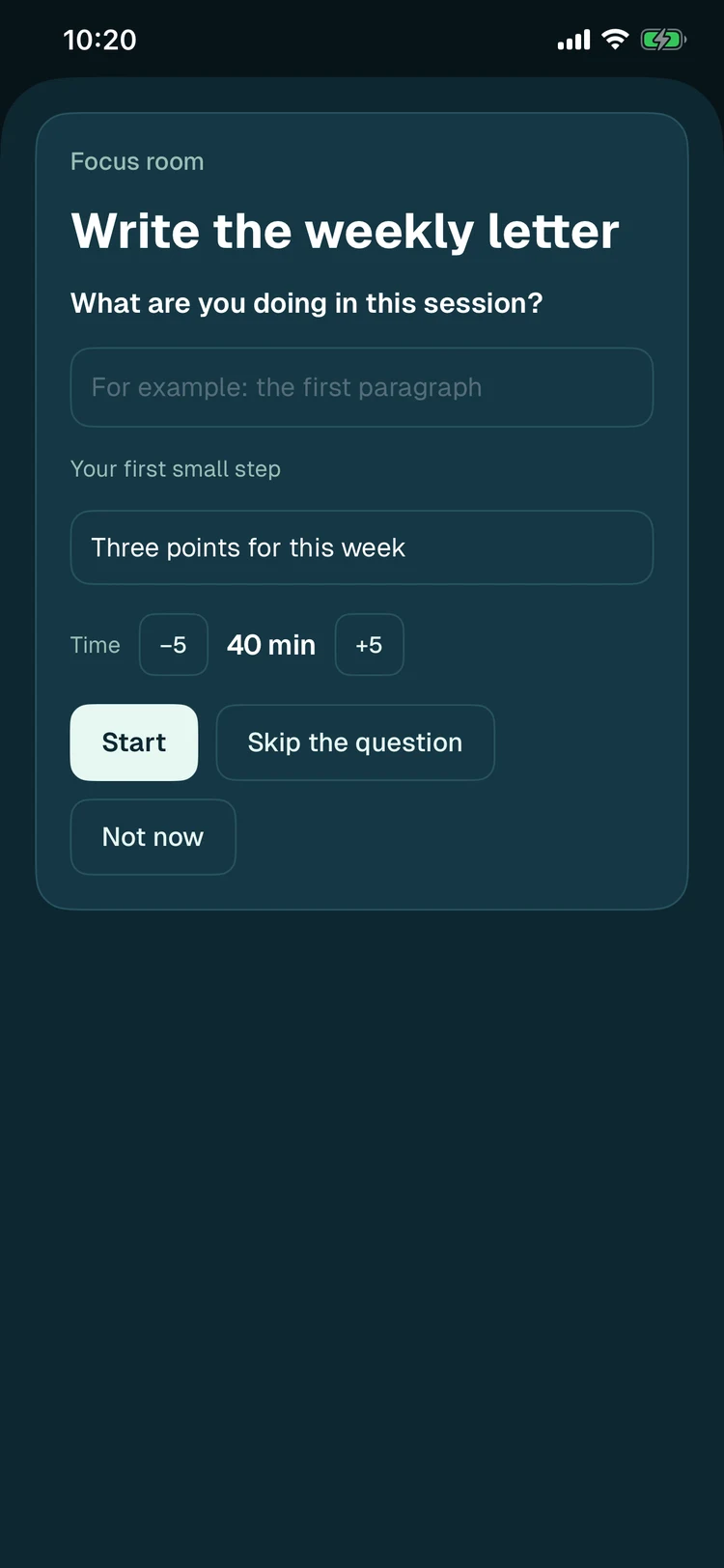
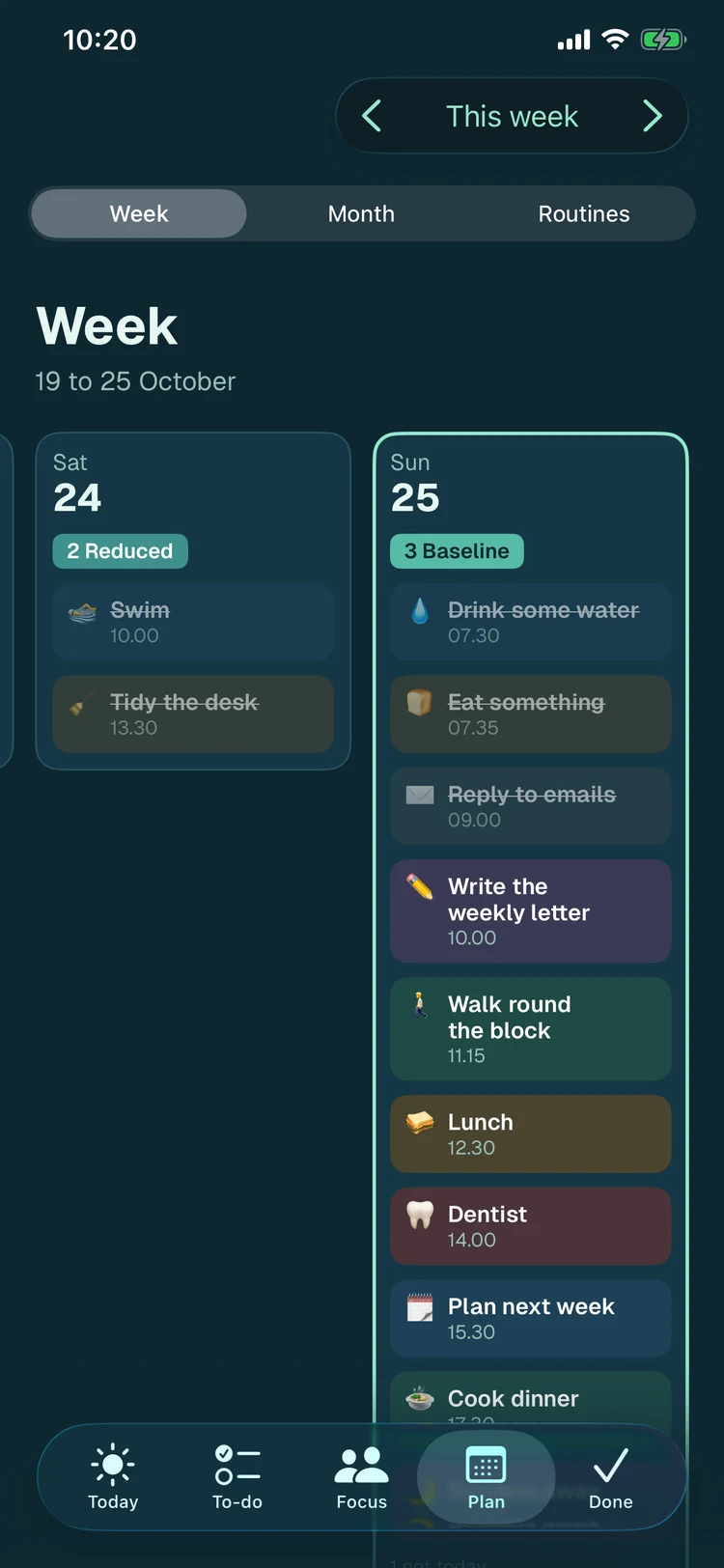
The screens show invented example data.

Mull
In testing · iPhone, iPad, Mac and Apple Watch
A self-coaching app written with ADHD in mind. Talk something through, and keep what comes out of it.
- Conversations you can type or speak.
- Notes and small actions kept from each conversation.
- A brain dump sorted into something you can work with.
- A short weekly review.
- Resets on the watch, a step at a time.
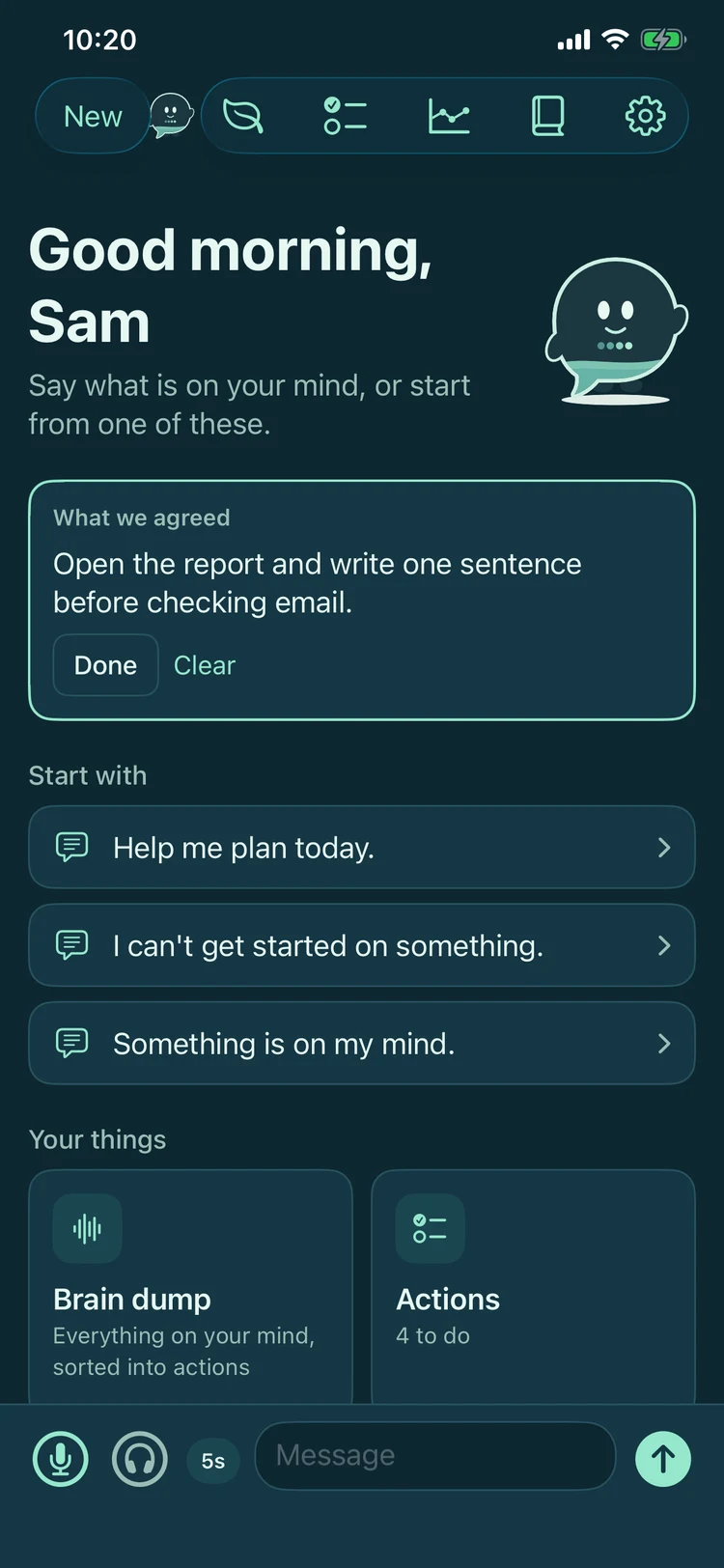
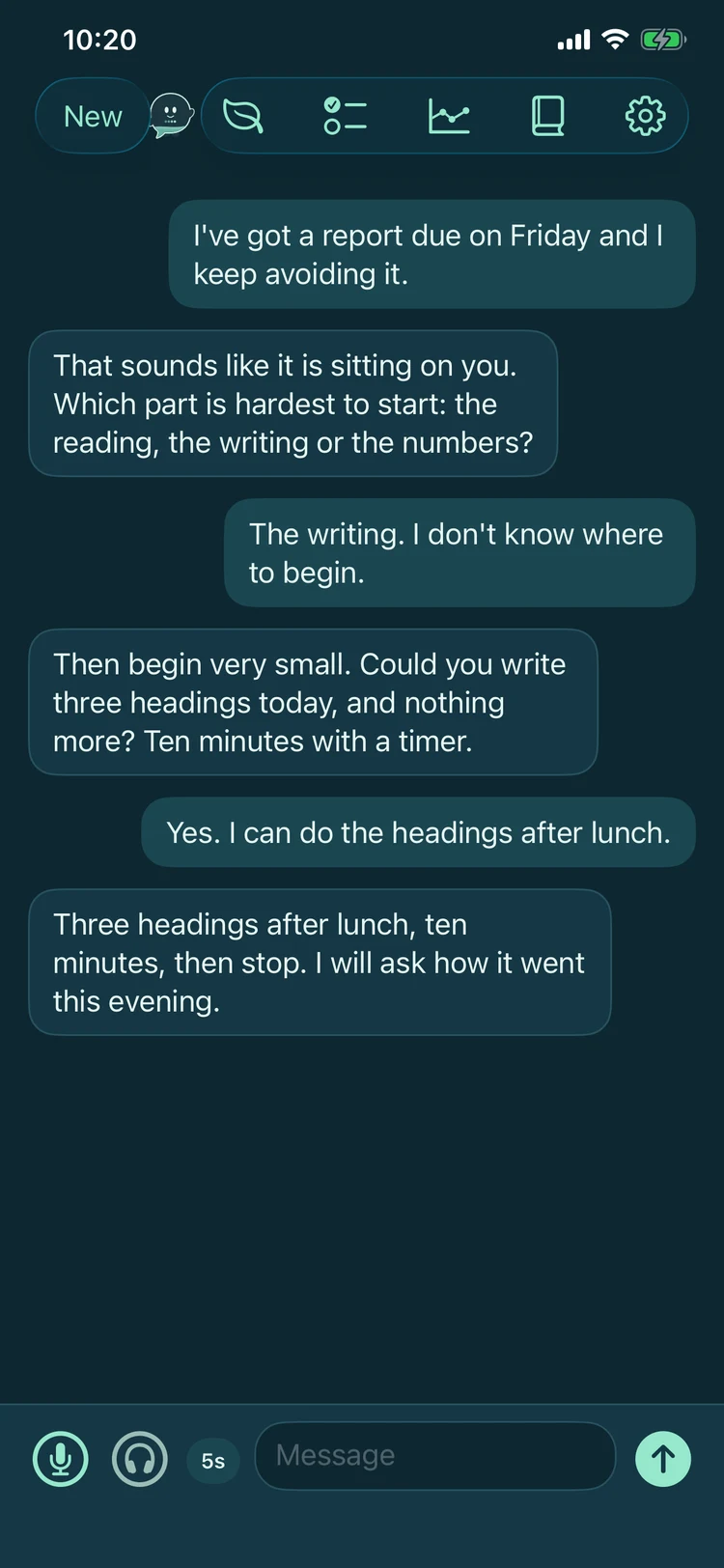
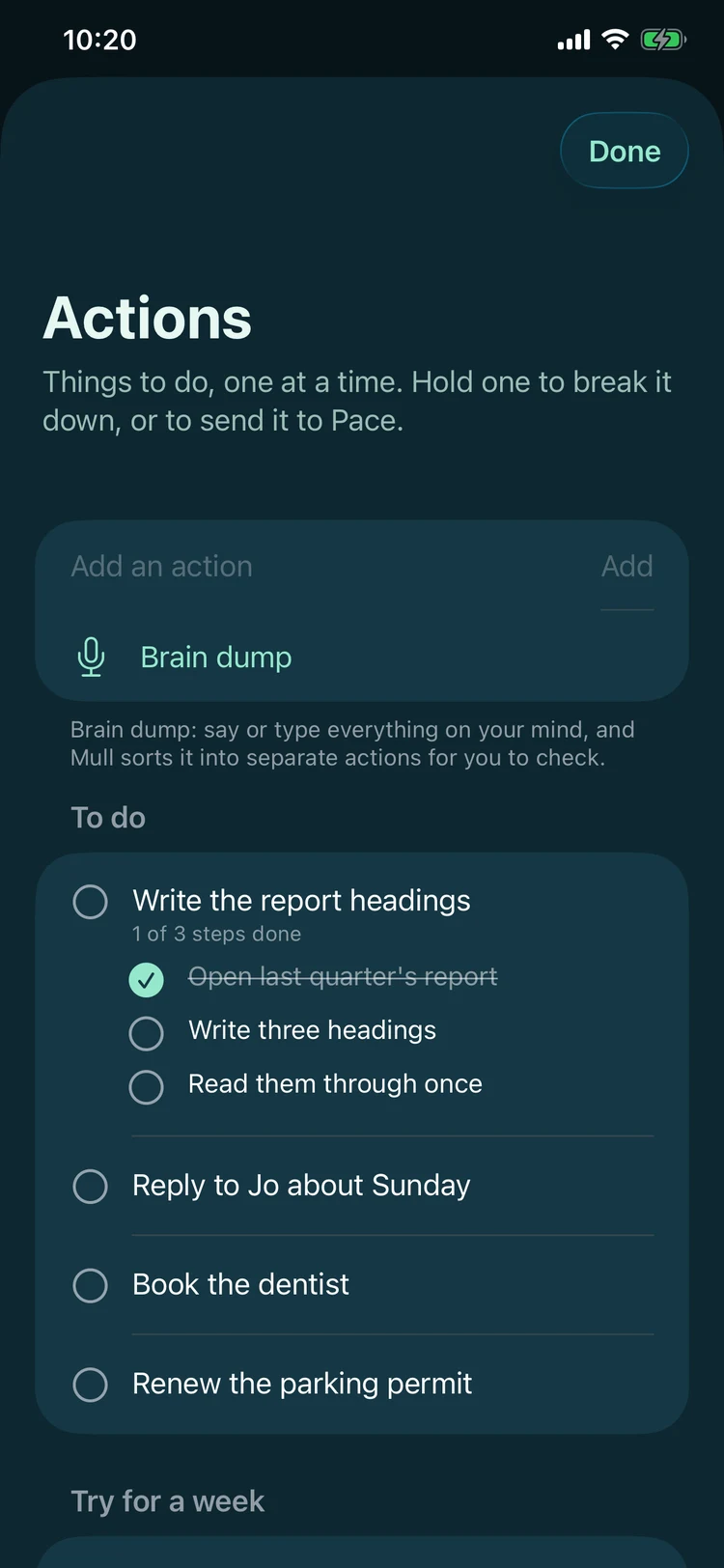
The screens show invented example data.
Head Untangled app
In testing · iPhone, iPad and Android
A self-coaching app from the Head Untangled channel, for stress, worry, low mood, burnout, sleep and getting things done.
- Choose the themes that fit. Each has short videos and workbooks.
- Your answers build your plan, a pocket card and reports you can print.
- A short version of each workbook for a hard day, and Read it to me.
- Everything is kept on your device. There is no account.
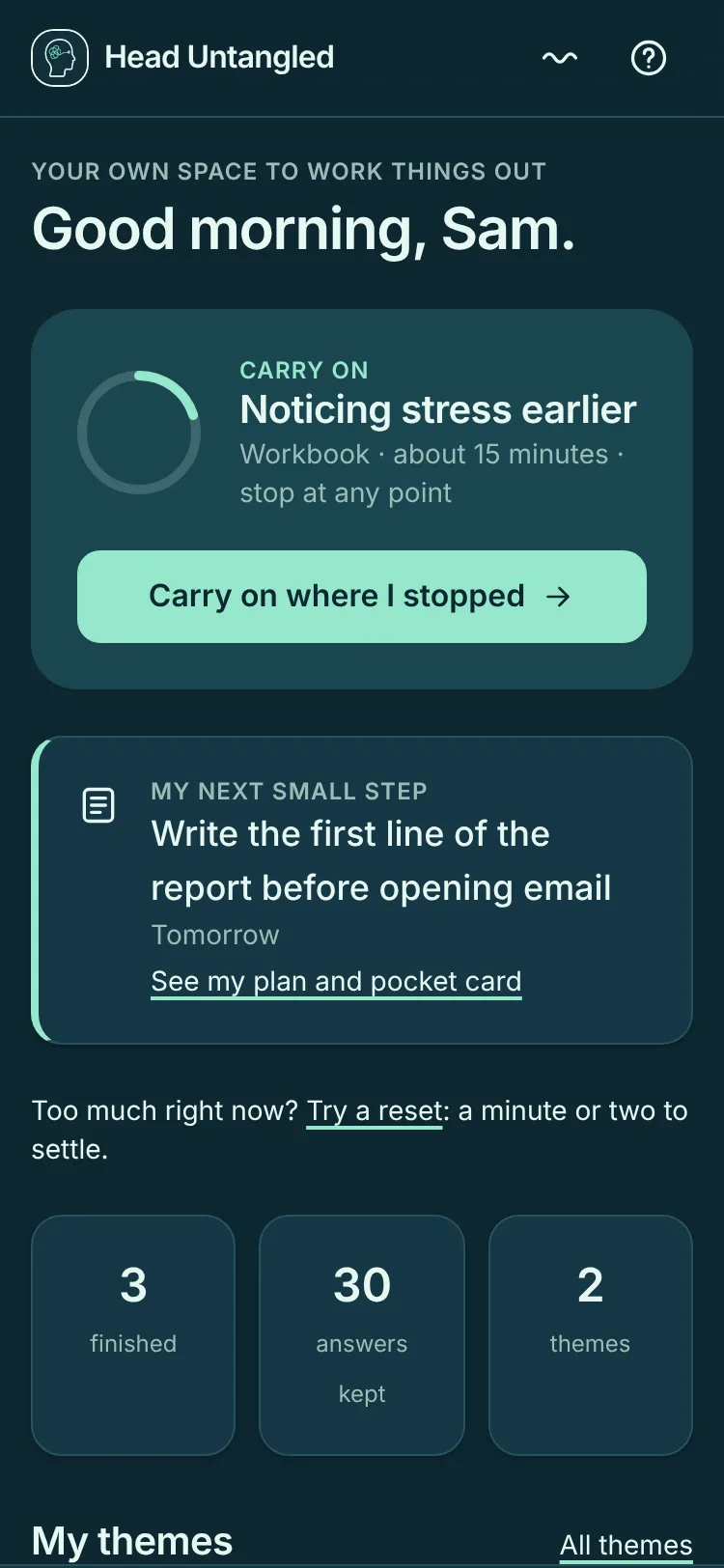
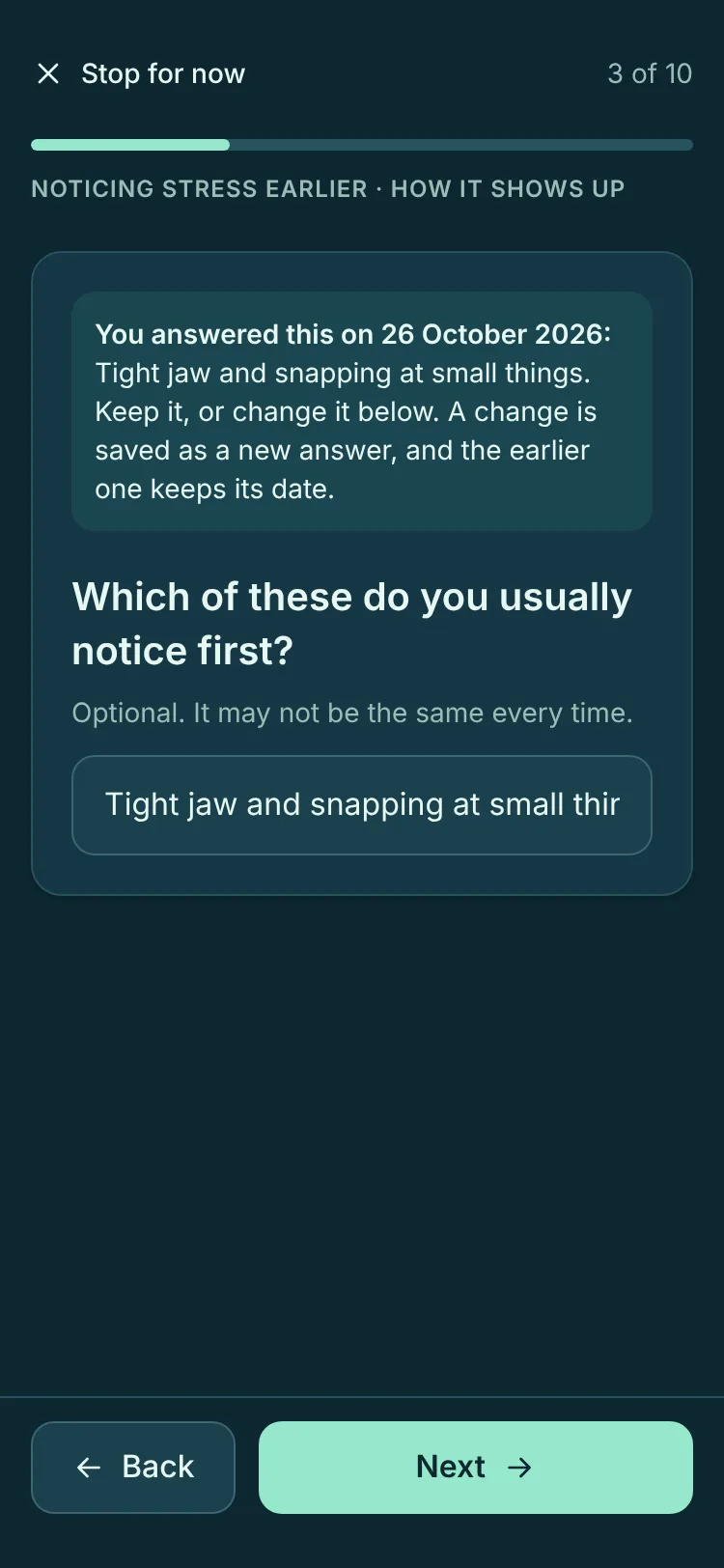
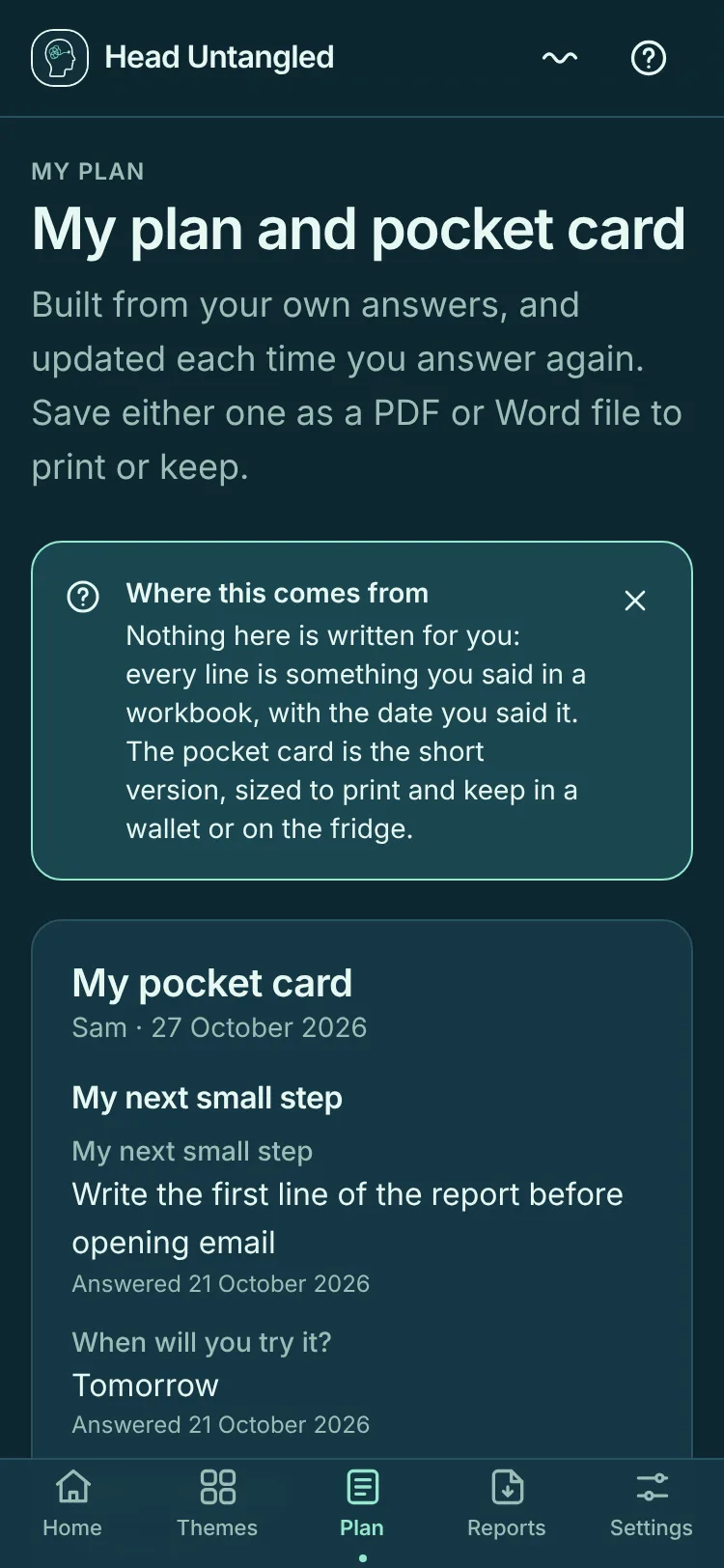
The screens show invented example data.

Dealt With
In development · iPhone and the web
Life admin, one step at a time: letters, emails, forms, bills, renewals, appointments and phone calls.
- Take a photo of a letter. The dates, amounts and references are found and shown.
- One step per screen, with a starting letter or a call script where one helps.
- Things waiting for someone else are kept apart, with a date to chase.
- It explains and organises. It is not legal or financial advice.
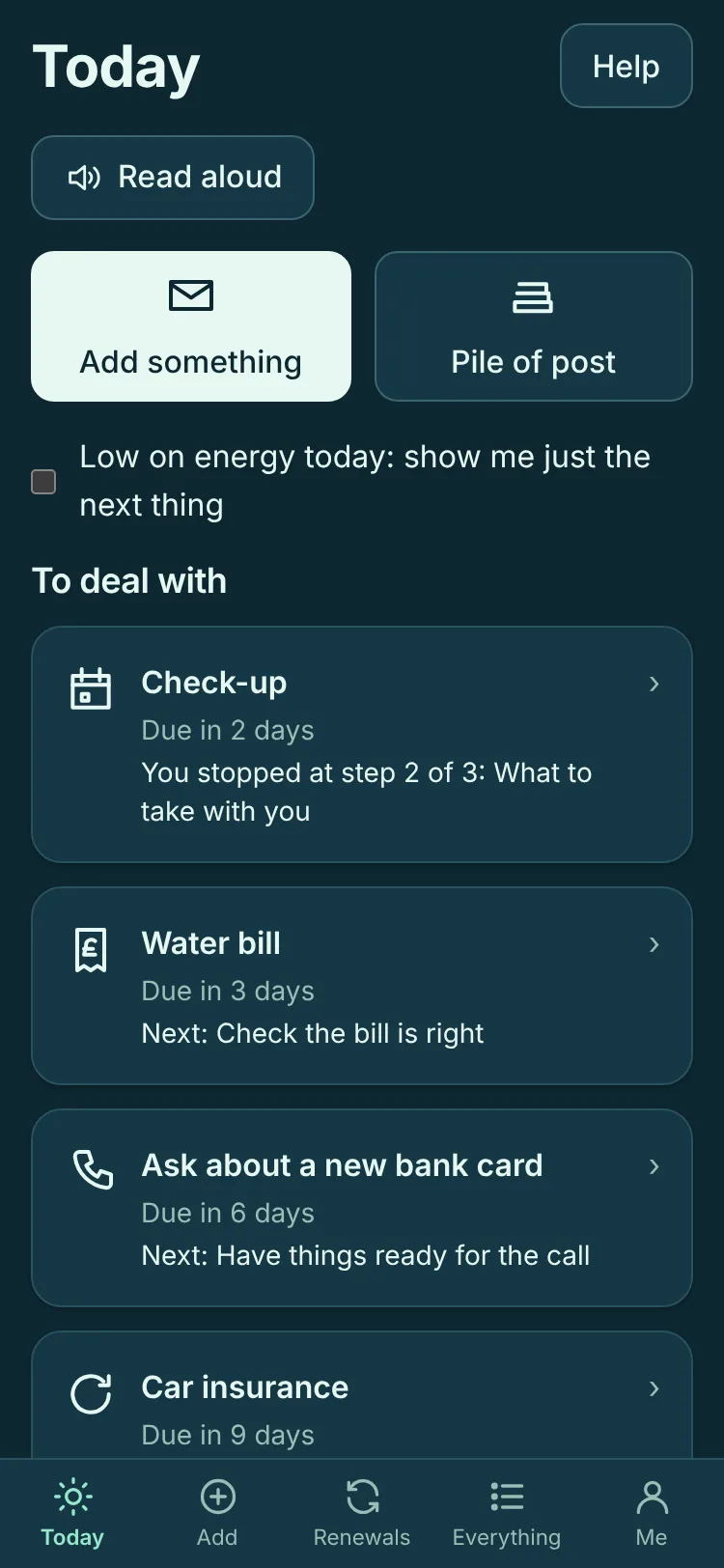
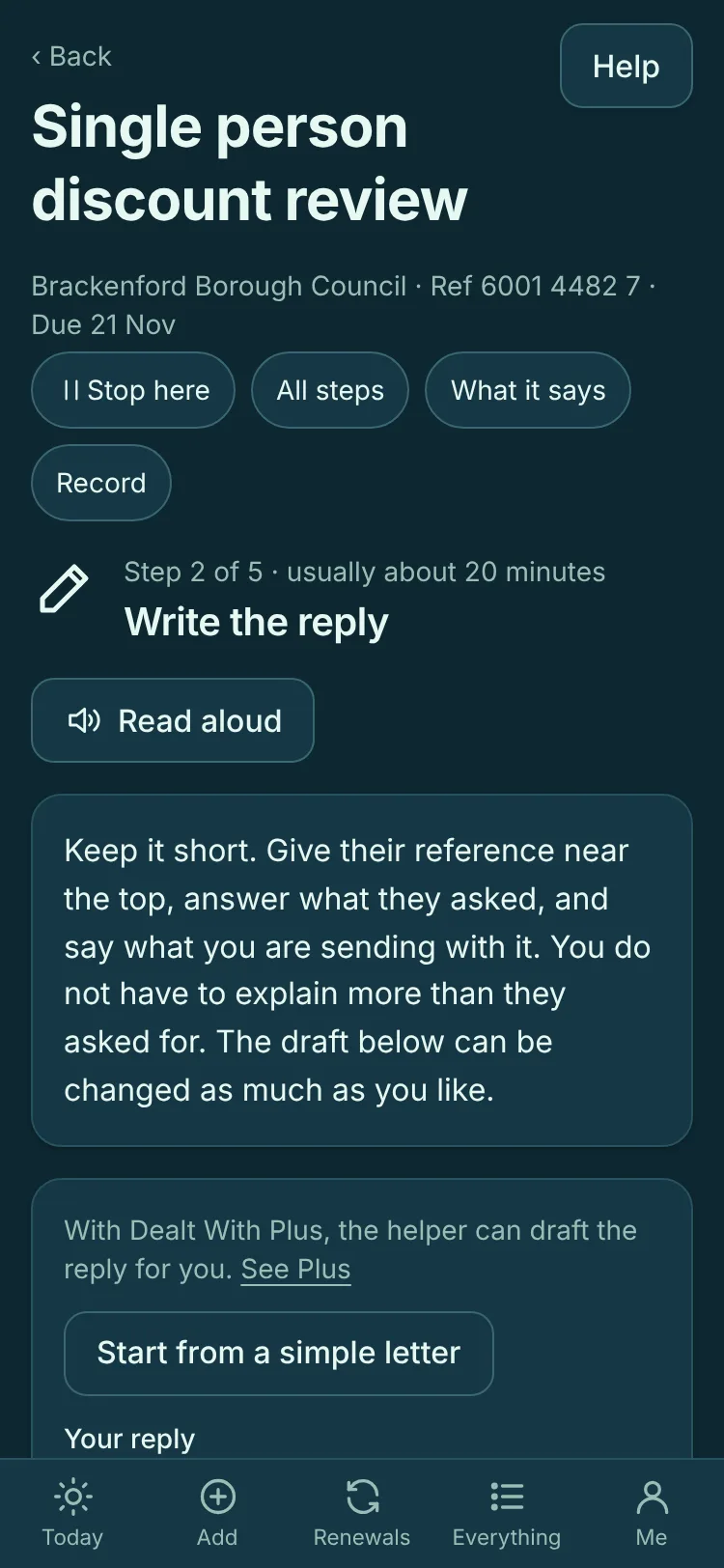
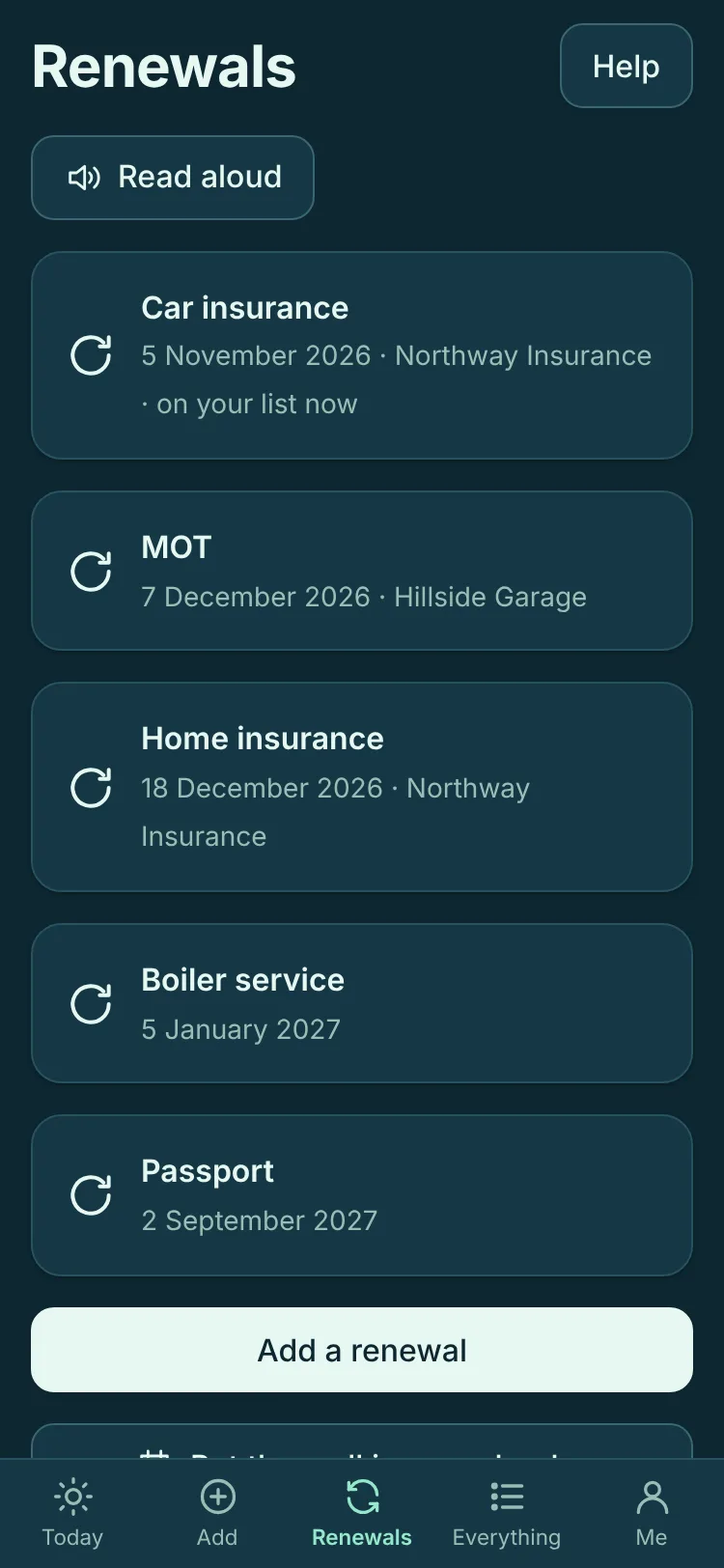
The screens show invented example data.

Whole Story
In development · iPhone, iPad and the web
For family carers. A record of what happens, written in a few taps, and the papers services ask for, made from your own words.
- The Now button: fixed, checked steps for a hard moment, with no signal or account needed.
- A bad night, a health change, a call with a service or a medicine given, recorded in a few taps.
- A hospital passport, a GP summary, a respite handover and evidence for benefit and care forms.
- Family can join, and you decide what each person sees.
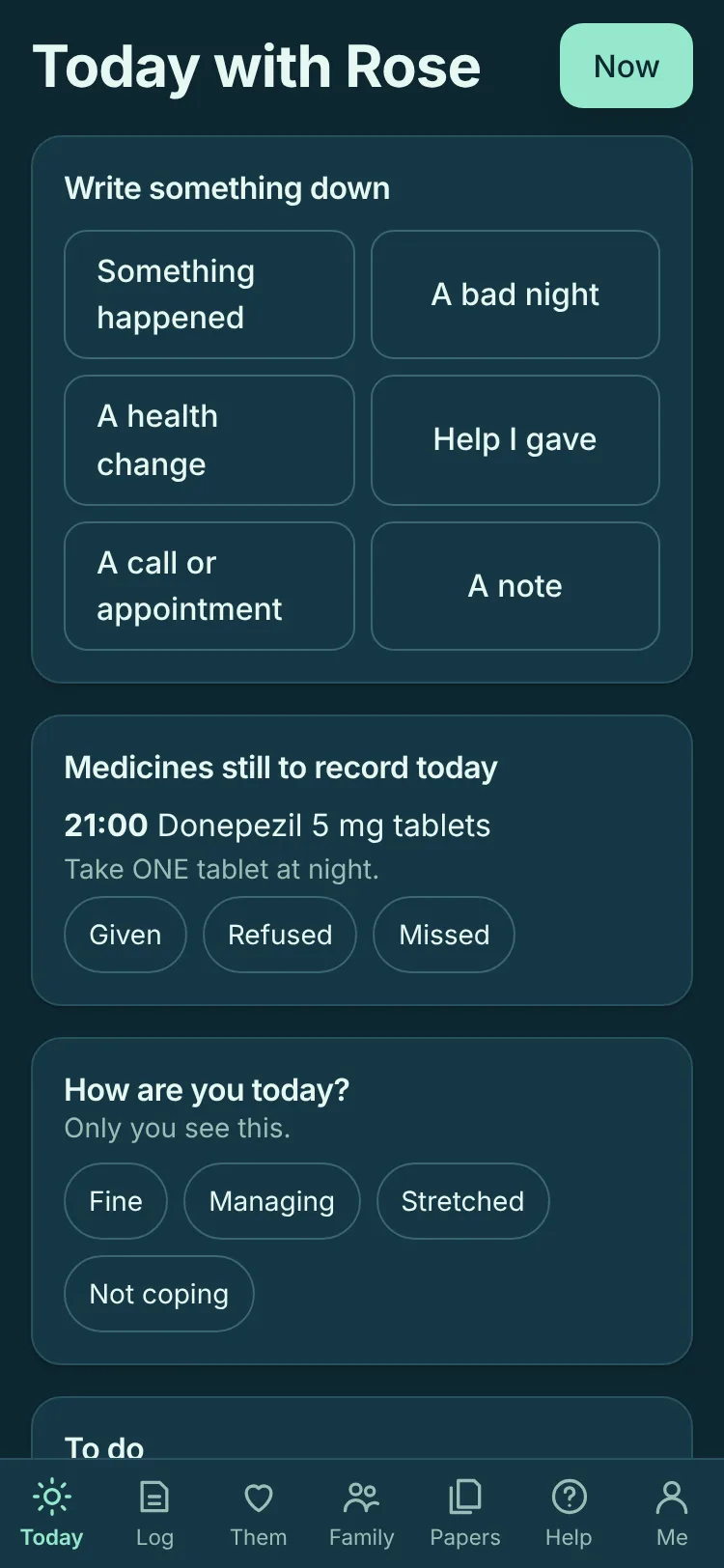
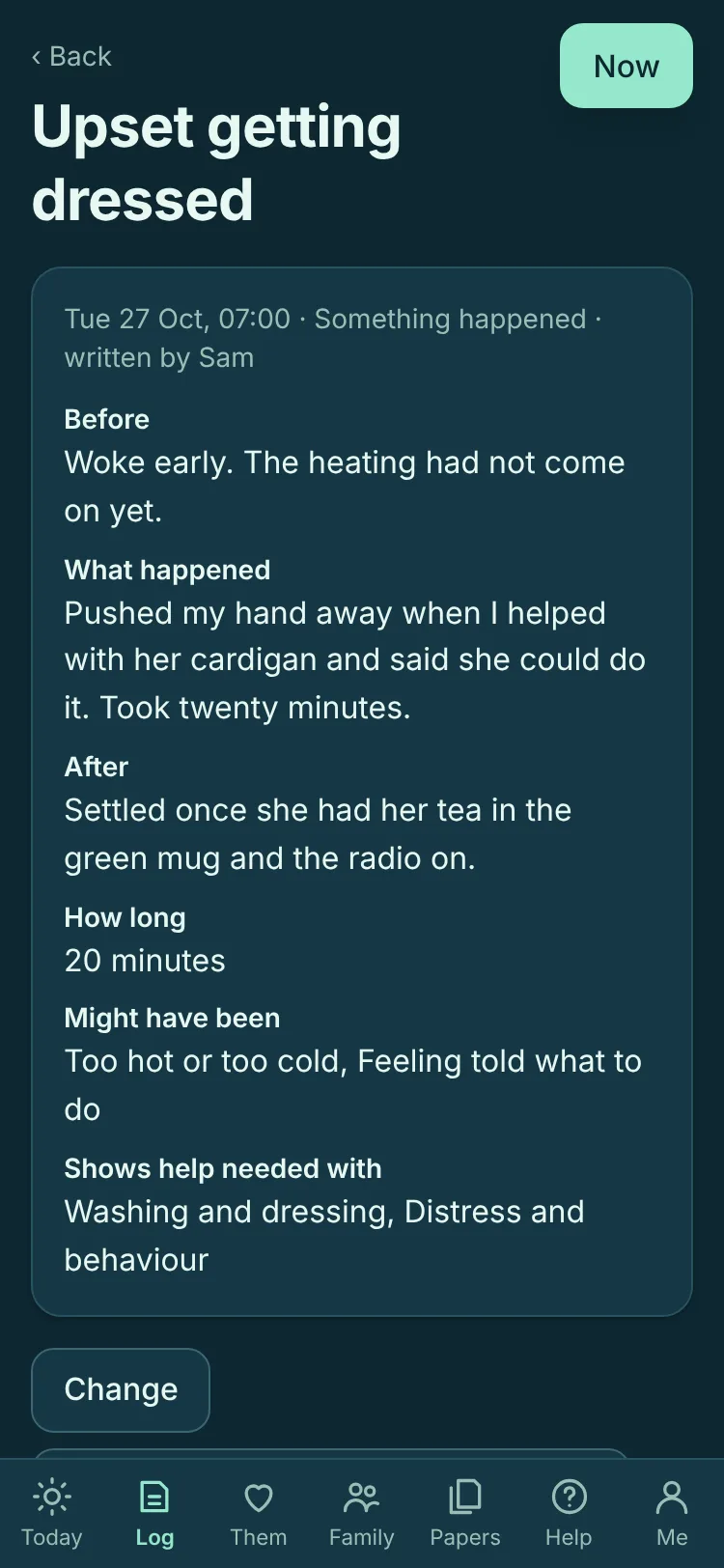
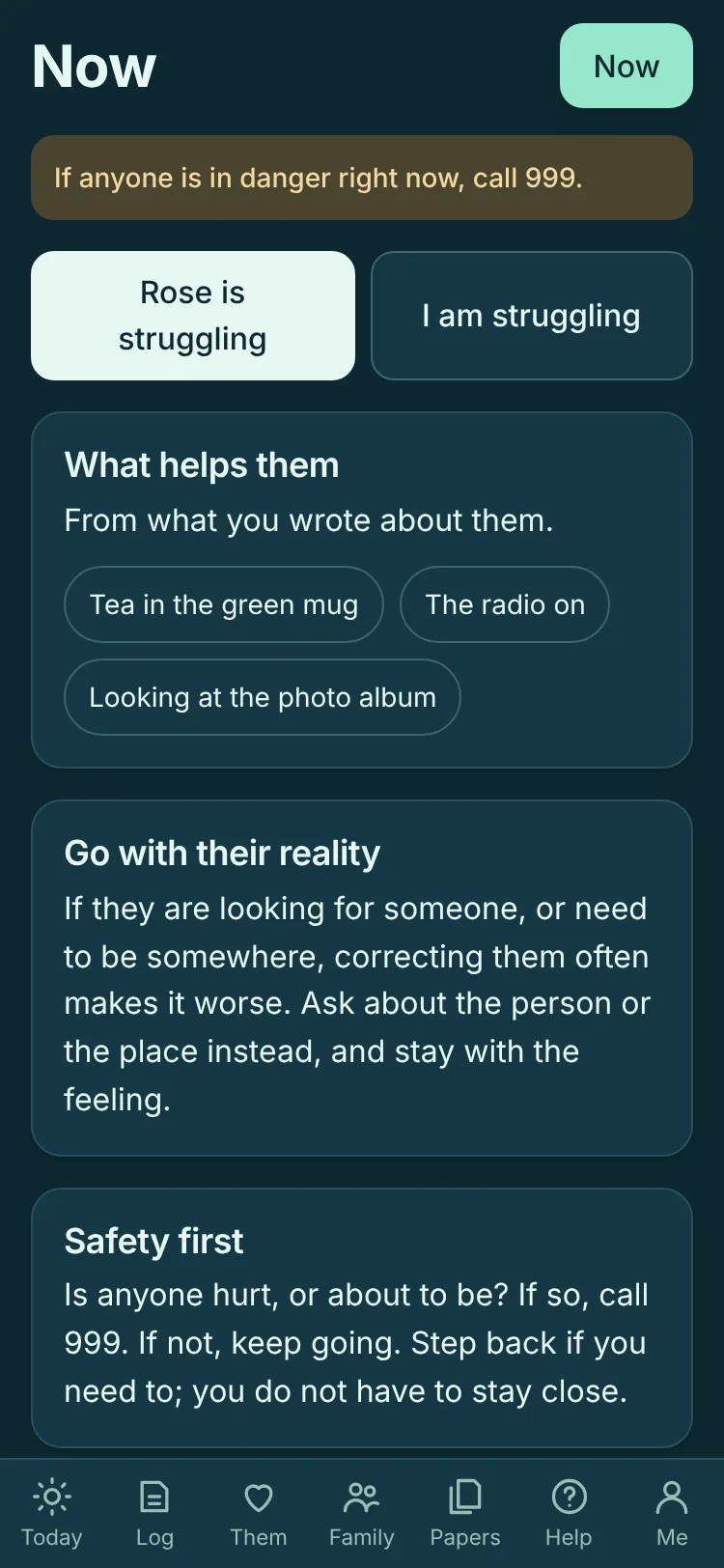
The screens show invented example data.
Picture Talk
In development · iPhone, iPad and Android
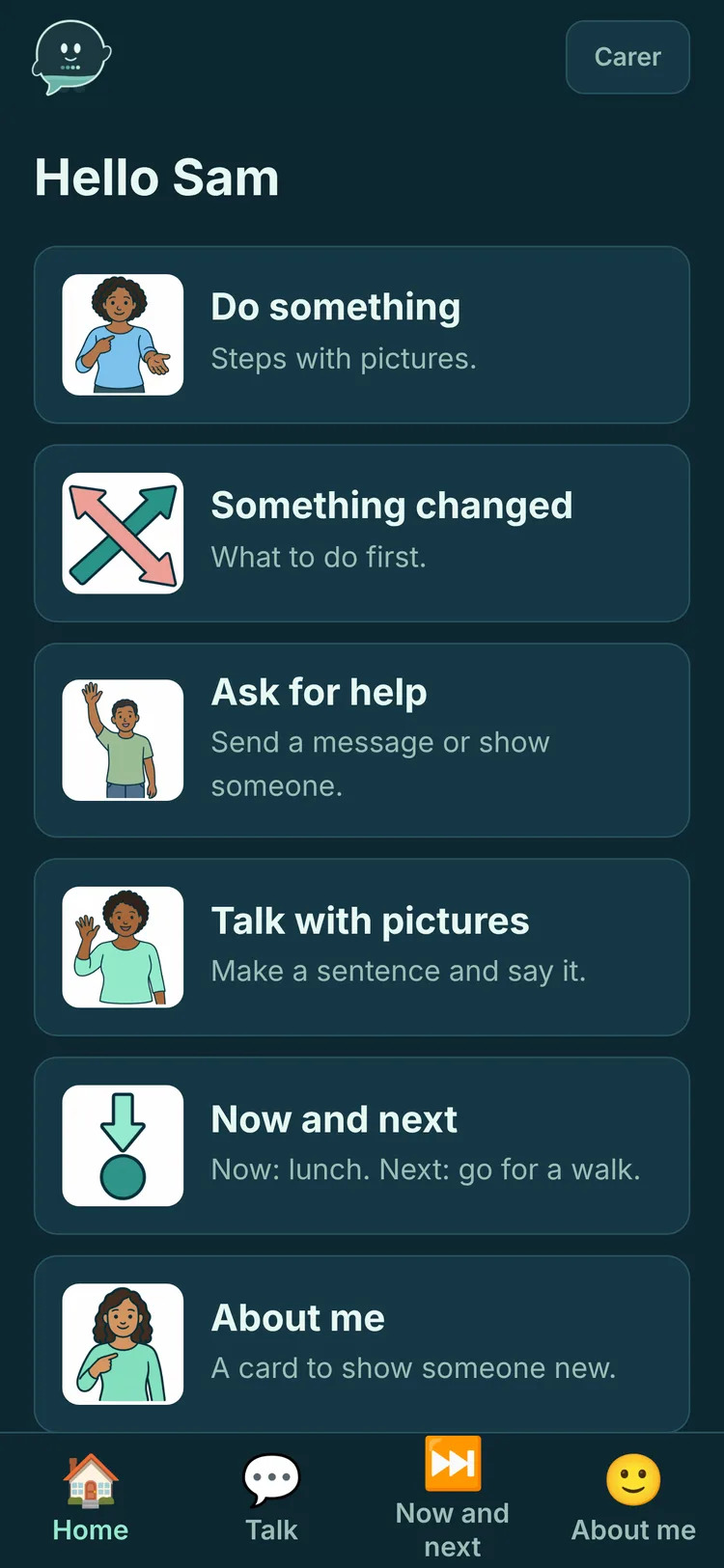
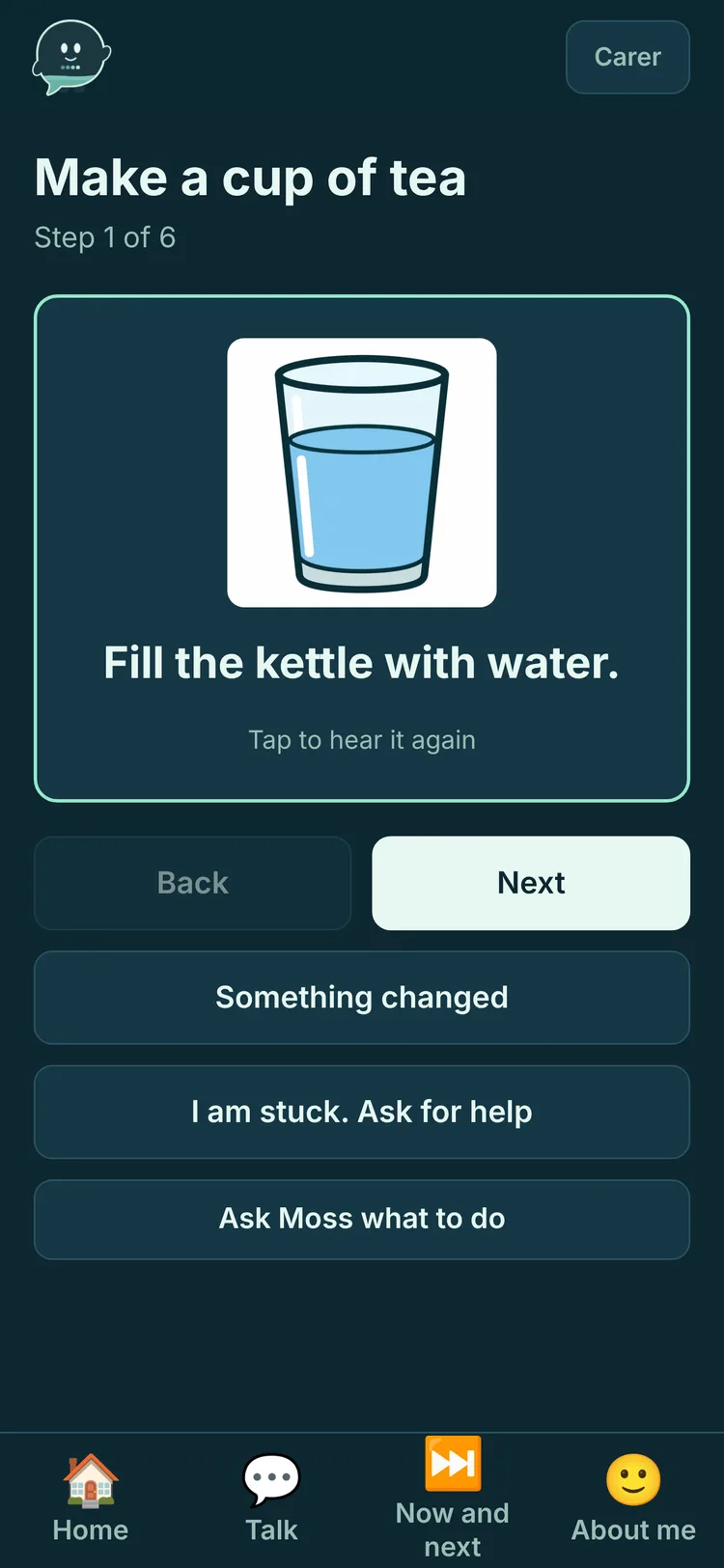
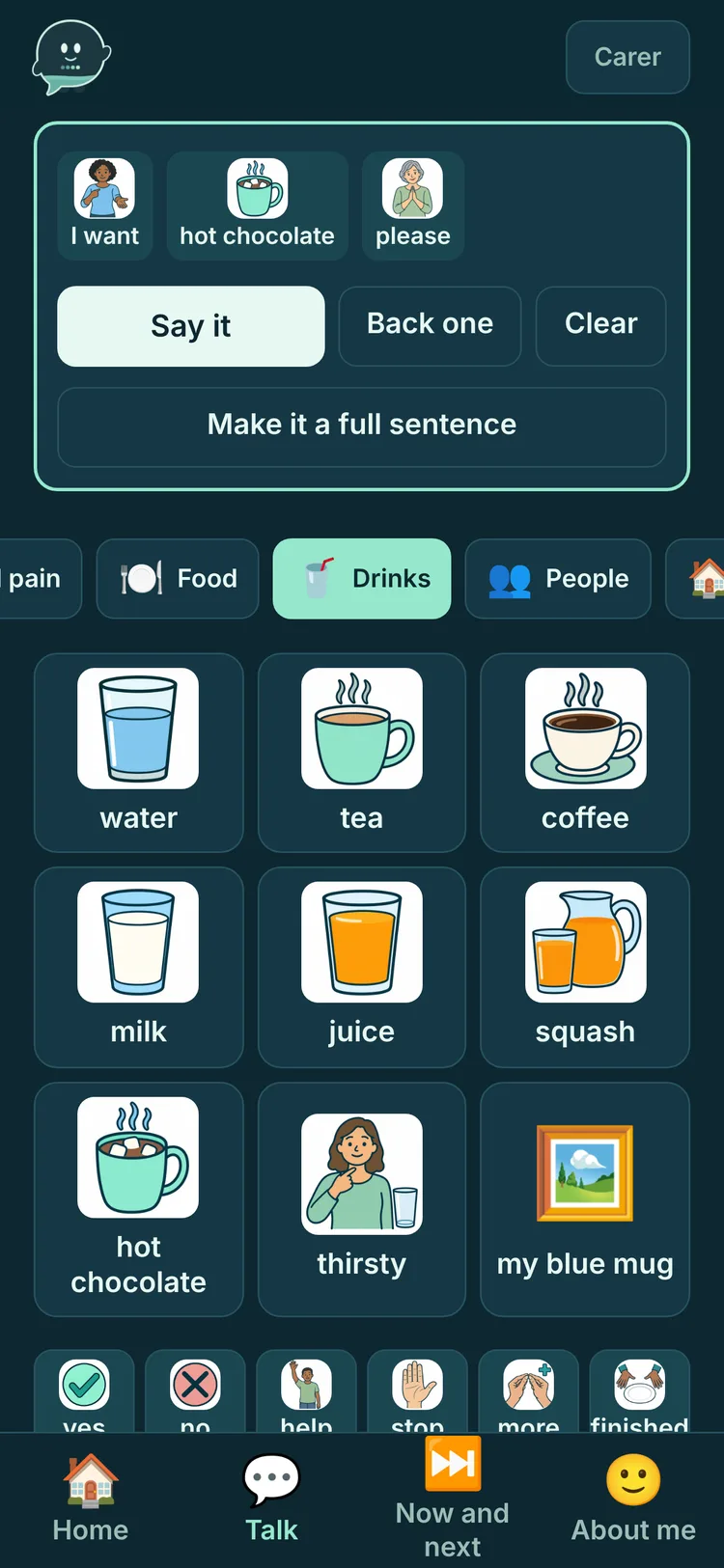
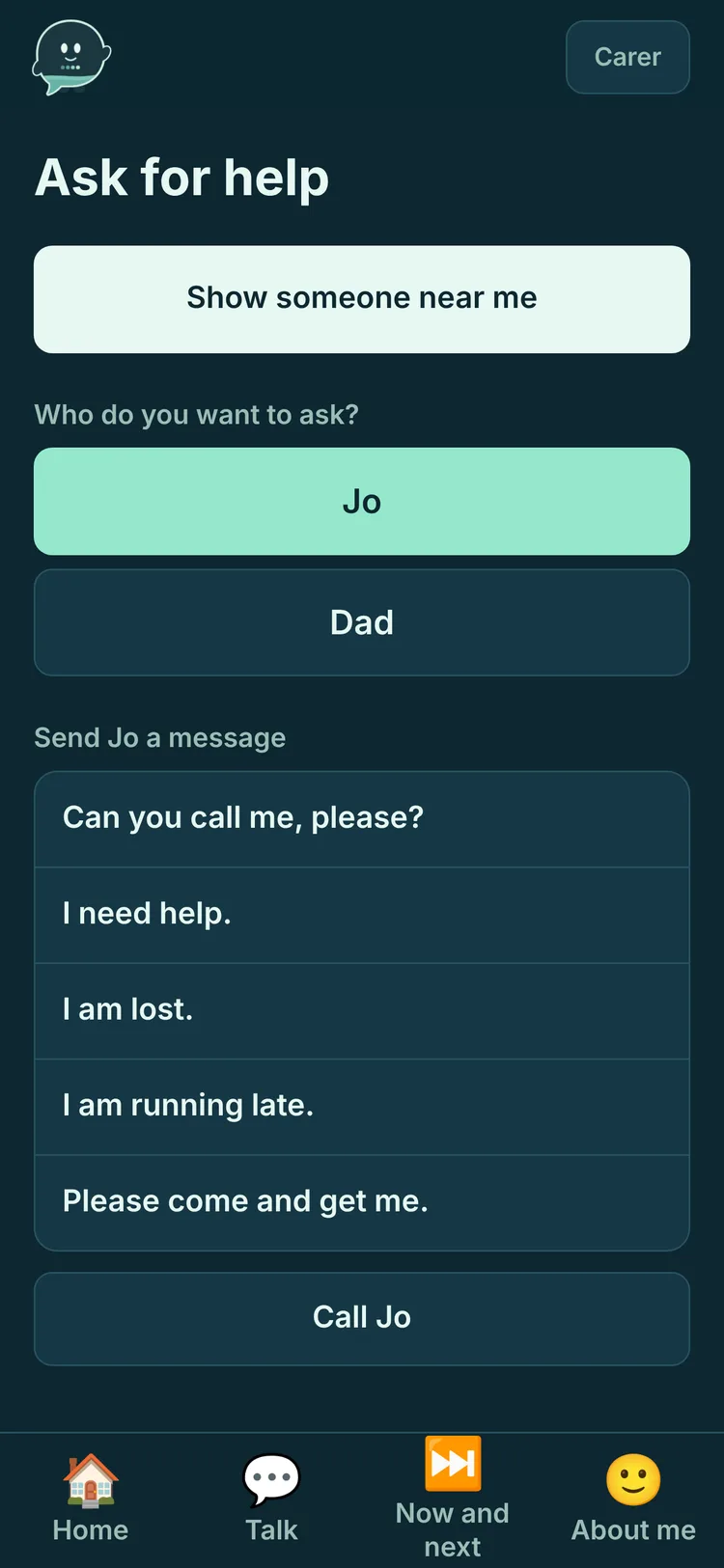
Everyday independence for adults with learning disabilities, set up with a family member or support worker. Big pictures and spoken words.
- Do something: everyday tasks as picture steps, one per screen, read aloud.
- Something changed: one familiar next step when the usual plan does not work.
- Ask for help: a ready-made message or call to someone you know, or a card to show someone nearby.
- Talk with pictures: tap pictures to make a sentence, and the phone says it.
- Works with no account and no internet. Photos stay on the device.
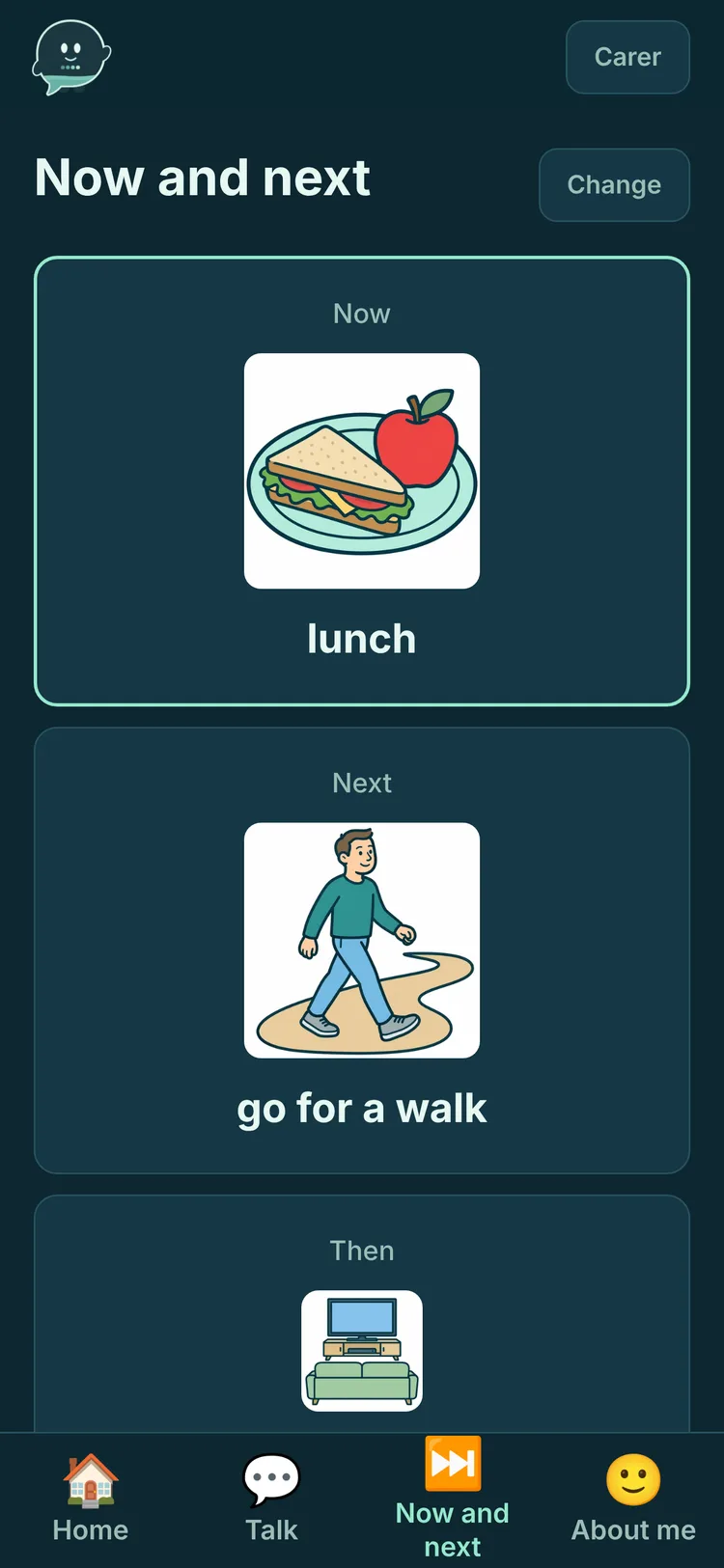
The screens show invented example data.
Questions, or something that reads wrong: hello@liferegulationlab.com.
 YouTube and printables
Head Untangled
Head Untangled is a YouTube channel by Life Regulation Lab. It explains mental health and neurodivergence in plain language, with printable workbooks alongside. The Head Untangled app turns the videos into workbooks in your own words.

Cairn
For care organisations · web, iPhone, iPad and Mac
Documentation support for care teams: observations, the patterns the recorded data supports, and a formulation and care plan that a qualified professional reviews and signs off. Cairn has its own site at cairncare.app.